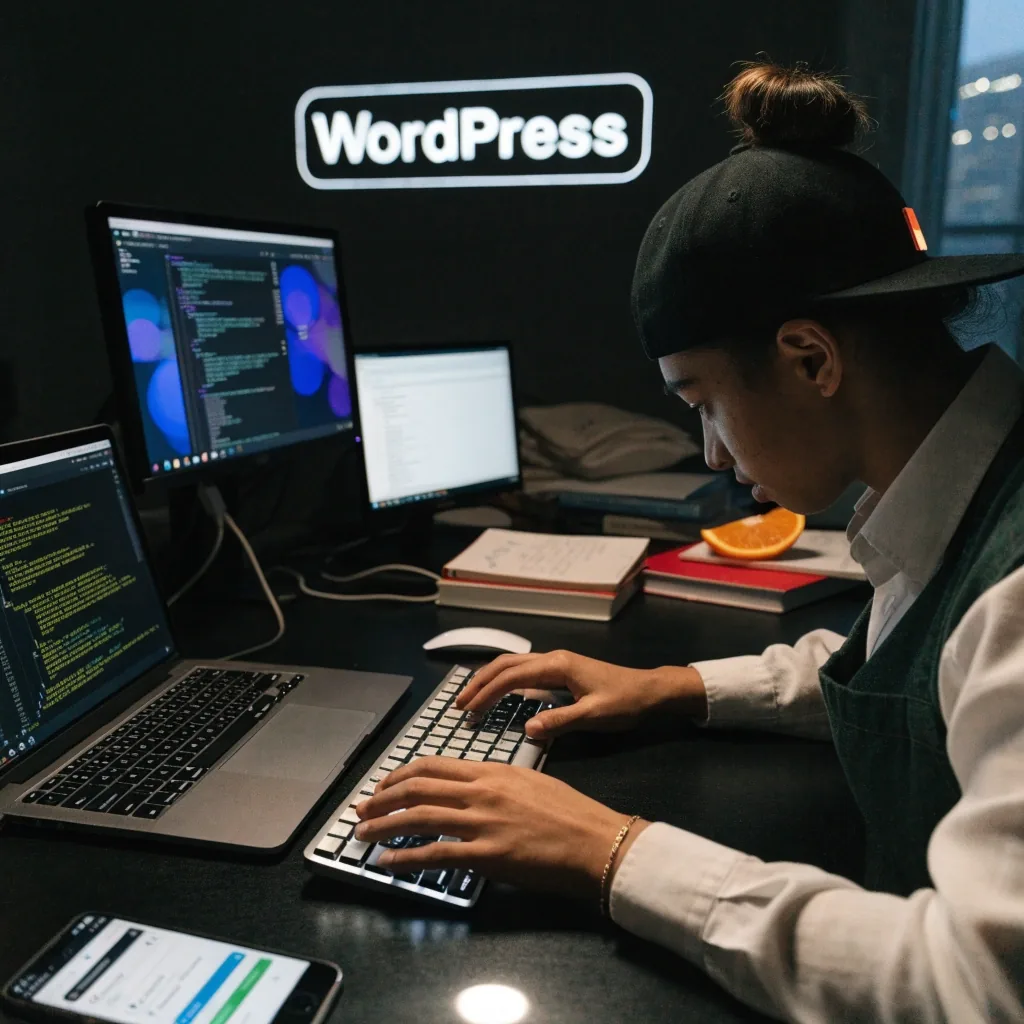



Two colleagues reviewing a WordPress content workflow at a studio desk in Singapore

Platforms & Frameworks

A plain guide to common web platforms

Laravel, Django, WordPress, Drupal, Strapi, Next.js, Vue.js, Figma. Short notes on what each tool is used for, and where it tends to fit.

Two categories worth separating first

Proposals often name tools without explaining them, and the names arrive without context. This page gives a short, factual overview of each one: what it is typically used for, and where it tends to fit. There are no rankings here. The right choice depends on your project, your team, and what has to be maintained afterwards.

Two broad categories are worth separating before the details. A content management system (CMS) is built around editing and publishing content. An application framework is built around custom logic, data handling, and workflows. Some projects need one, some need both.

Category one

Content management systems

A CMS stores your pages, images, and other content, and gives non-technical staff a way to edit them. The differences between systems show up in how complex your content structure is, how many people need editing access, and how much control you need over permissions and workflows.

Category two

Application frameworks

A framework is the layer where your own rules live: logins, records, approvals, calculations, and the API integration that connects a site to the systems behind it. The work is closer to software than to publishing.

An editor updating website content on a laptop while a colleague reviews a printed layout

Content management systems

WordPress, Drupal, and Strapi all store and publish content, but they suit different situations. The next three sections describe where each one tends to sit, and what it asks of the team maintaining it.

A business owner and a developer reviewing a WordPress business site together in a shop

WordPress: content-led business sites

WordPress was released in 2003 as an open-source CMS and is now used widely for business websites, blogs, and brochure-style sites. It supports themes, plugins, SEO tooling, and custom development, so it can be extended well beyond its defaults. For Singapore SMEs that need frequent content updates and lower maintenance complexity, it is a common choice.

The trade-off is plugin dependency. A site built on many third-party plugins needs those plugins updated and occasionally replaced. Keep the plugin list short and well understood.


Drupal: large, structured websites

Drupal is an open-source CMS known for handling complex content structures and detailed permissions. It is used for enterprise websites, public-sector sites, and information-heavy platforms. Content modeling, multilingual needs, and governance are its strengths.

It is often chosen when a site has many editors, several content types, and approval workflows. The setup cost is higher than WordPress, and the team maintaining it needs relevant experience.

Strapi: content for more than one channel

Strapi is an open-source headless CMS. Instead of tying content to a single website layout, it stores content and delivers it through APIs to websites, apps, and other channels. Editors update content without touching the front end, and developers build whatever interface they need on top.

This fits modern architecture where a website and a mobile app share the same content. It also means the front end is custom, so there is more development work than a themed CMS site.

Some systems expect simple pages. Others expect structured data with many fields.

That single difference shapes how long a build takes, how many people can edit safely, and how much of the site survives a redesign.

Back-end frameworks: Laravel and Django

Both are well-established. The difference shows up in what your project mostly has to do, and who keeps the code afterwards.

Laravel

PHP framework

Laravel is a PHP framework used for web applications and APIs. It is known for clean structure, authentication tools, and developer productivity, and it appears in business websites, admin systems, and custom portals. Agencies building content-heavy or workflow-based platforms often reach for it.

It is a natural fit when the long-term team already works in PHP, or when the project is a custom website with accounts, records, and a management interface behind it.

Django

Python framework

Django is a high-level Python framework for secure, database-driven web applications. It includes built-in admin tools and strong conventions. It is used for internal systems, platforms, and structured web apps, and is often chosen when data handling and fast administration matter.

If your project is mostly about managing records and permissions, Django is a natural fit. If it is a PHP shop maintaining the code long-term, Laravel usually is.

Front-end frameworks: Next.js and Vue.js

The front end is what visitors actually use. These two tools take different approaches to building it, and the choice usually follows how much interactivity the pages carry.

Next.js

Next.js is built on top of React for production web applications. It supports server-side rendering, static generation, and hybrid rendering, which makes it a frequent choice for performance-focused sites and app-like web products. It shows up in agency stacks for SEO-sensitive builds, where how a page renders affects search visibility.

Vue.js

Vue.js is an open-source JavaScript framework for building user interfaces. It is known for a lighter learning curve and flexible adoption, and it is used in dashboards, internal tools, and interactive websites. It fits custom web projects where modular UI matters but a heavier front-end stack is not needed.

A front-end developer building a Next.js interface at a standing desk in a bright studio

Design tools: Figma

Figma is a browser-based interface design and collaboration tool. Teams use it for wireframes, UI design, design systems, and clickable prototypes. It is common in agency discovery and product design phases because multiple people can view and comment in the same file.

Good design handoff shapes project quality. When developers can inspect spacing, states, and components directly, fewer details get lost between design and build.

A design review session around a wall display and pinned layout cards in a studio

How to compare them without hype

Three questions settle most of the discussion before any tool is chosen.

Who maintains it after handover?

Ask what happens when the person who built the site moves on. A widely used tool with a large pool of developers is easier to hand over.

How are updates delivered?

Ask how updates arrive and whether they can break custom work. Systems with heavy customisation need a clear update routine, not an occasional one.

What does the tool assume about your content?

Some systems expect simple pages, others expect structured data with many fields. Cost is not only the build: maintenance, hosting, and the availability of developers in your market all factor in over the life of the project.

A quiet studio interior after hours with desks empty and one desk lamp still lit

Still deciding which stack fits your project?

Bring the project description, the content structure, and who will edit it. A short conversation is usually enough to narrow the options to two.