

ViewMatrix Digital · Maintenance and support
What happens to a site after launch
A website or app is not a finished object. Platforms release updates, dependencies change, and business requirements shift. This page describes what the ongoing work usually includes, so you can tell whether a support arrangement covers what you need.
Support looks different depending on what you run
The scope varies. A small brochure site needs far less than a web application handling customer data. What matters is that responsibilities are clear and that someone is watching. Before you agree to a support arrangement, it helps to know what your product actually is, how often it changes, and who can act when something breaks.
The chapters below describe the work in the order it usually appears in a monthly arrangement: updates first, then backups, then the monitoring and small changes that keep the product useful between releases.
- Small brochure site
- A handful of pages, little changing content, no customer accounts. Updates and backups dominate; monitoring is light and content edits are occasional.
- Content-managed site
- Editors publish regularly, so the theme, plugins and content model all move. More of the effort goes into testing updates and keeping the editing experience intact.
- Web or mobile application
- Customer data, integrations and APIs. Recovery planning, error logging and dependency updates carry real weight, and changes are released rather than edited.
Software and security updates
Every platform in common use releases updates. WordPress, Drupal, Laravel, Django, Next.js and Vue.js all publish security patches and feature releases on their own schedules. Applying them promptly closes known issues and keeps the software supported.
Updates are not always trivial. A major version change can break custom code or plugins, which is why staging environments exist.
-
Step one
Read the release notes
Check what changed, what was fixed, and whether the release touches anything your site depends on. A security patch with a narrow scope usually needs less preparation than a major version jump.
-
Step two
Test it privately first
A staging copy of the site lets you apply the update away from visitors, click through the important journeys, and see whether forms, checkout or logins still behave.
-
Step three
Confirm, then apply to production
Once the staging copy works, the same change goes live in a short, planned window. If something looks wrong afterwards, you roll back rather than debug in front of customers.
Backups and recovery
Backups protect against mistakes, failed updates and hosting problems. A backup is only useful if it can be restored, so the recovery process should be tested occasionally rather than assumed.
For sites that store customer data, retention rules matter. Old backups containing personal information should be deleted on a defined schedule rather than kept indefinitely.
Questions worth asking
- How often do backups run, and at what time of day?
- Where are they stored, and who can access that location?
- How long are they kept before being removed?
- When was a restore last tested, and on which copy?
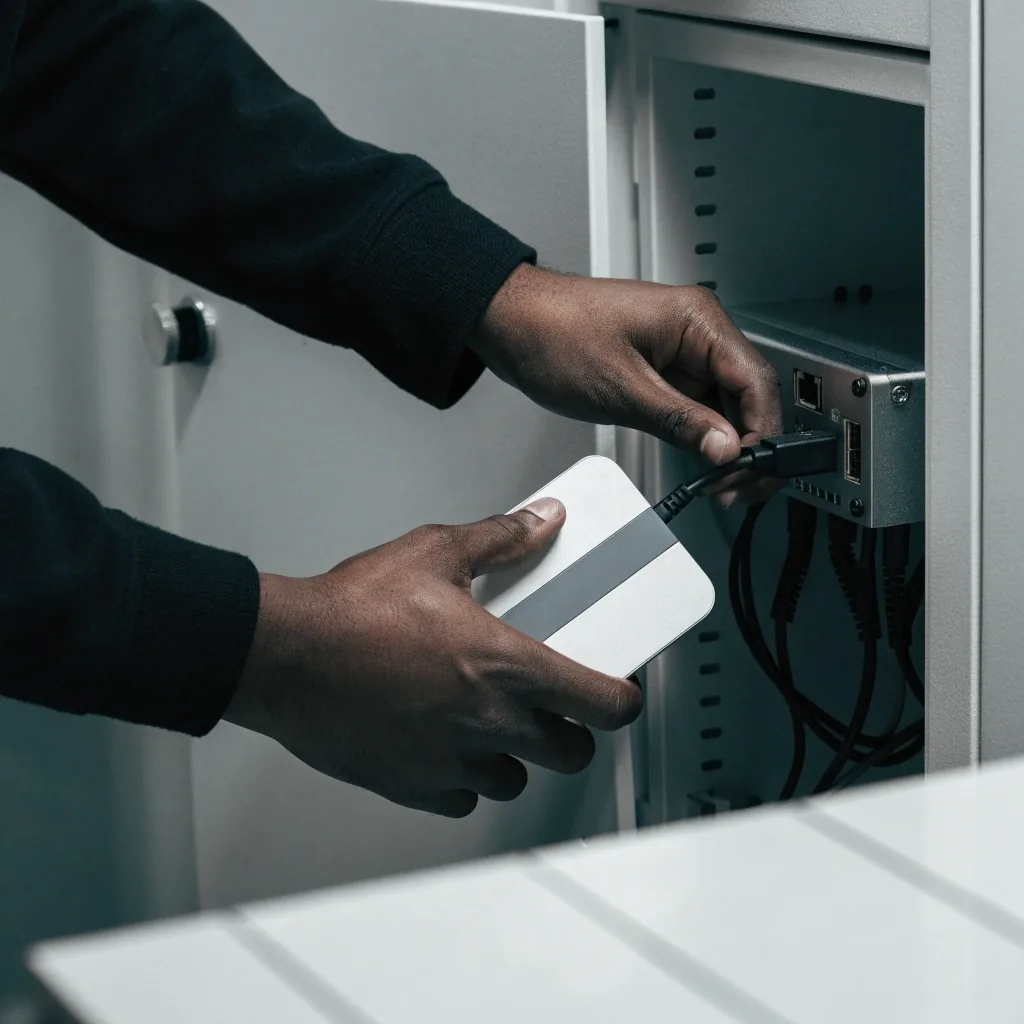
Someone has to receive the alerts and act on them.
Monitoring without a response plan just produces notifications. Agree in advance who is paged, what counts as urgent, and how a fix is confirmed.
Monitoring and uptime
Monitoring checks that the site or app is responding and alerts someone when it isn't. It is the part of support that most often goes unmentioned until something breaks.

-
Uptime checks
A request is sent to the site at short intervals from more than one location. If the response stops arriving, the alert fires. This catches outages that take the whole product down.
-
Error logging
Errors are recorded as they happen rather than waiting for a visitor to report them. This catches problems that do not take the site down but still affect users, such as failed form submissions or broken API calls.
-
Someone on call
Alerts are only useful if a person sees them and can act. Decide who that is, what hours they cover, and what happens outside those hours before you rely on monitoring.
Content and small changes
Most sites need occasional content edits: a new page, updated opening hours, a revised service description. If the site runs on a CMS, staff can usually handle this themselves once they have had a short walkthrough. If not, the support arrangement should say who makes changes and how quickly.
Keep a record of what was changed and when. It helps when something breaks and you need to trace the cause. A short change log is enough — the date, the page, and one line on what moved.
Who edits
Either your team does it after a walkthrough, or the arrangement names the person responsible. Ambiguity here is the most common source of delays.
How quickly
A correction to a wrong phone number is urgent. A new page can wait for the next working day. Agreeing rough turnaround times up front avoids arguments later.
What gets logged
Date, page, what changed and who asked for it. When a layout later looks wrong, the log narrows the search to a handful of edits instead of the whole site.
Performance checks
Page speed affects how visitors behave and how search engines rank pages. Over time, sites accumulate weight: larger images, extra scripts, unused plugins. Periodic checks catch this drift.
Simple fixes, like compressing images and removing unused code, often make a noticeable difference. Performance should be measured on real devices and connections, not only in a desktop browser.
What slows a site down
Oversized images, scripts that load on every page but matter on one, and plugins left switched on after the feature they served was retired.
How to measure it
Test the pages that carry the most traffic on a mid-range phone and an average mobile connection. Desktop results flatter slow sites and hide the problem your visitors feel.
What to fix first
Start with the images and scripts on the slowest page. Big structural changes are a project; compression and clean-up are routine maintenance.
Working with a content management system long-term
CMS-based sites have a particular maintenance profile. Themes and plugins need updating, and some become unsupported over time. Keeping the number of plugins low reduces the surface area you have to look after.
WordPress
Easier to maintain when it relies on a small, well-chosen set of extensions rather than dozens of overlapping ones. Each plugin is another thing to update and another place an update can conflict.
Drupal
Sites with complex content models need someone who understands the configuration, not just the content. Content types, fields and views carry the structure, and changing them carelessly breaks pages.
Strapi
Headless setups need attention on both the content model and the API layer, because the front end that consumes the API may be maintained separately from the data behind it.
Documentation and handover
Documentation is part of maintenance. A short record of hosting details, accounts, deployment steps and known issues saves time when a new person takes over, whether that is a staff member or another agency.
Ask for it at handover, not months later. If the original team is unavailable, undocumented setups become expensive to untangle.
- Where the site is hosted and how it is deployed.
- Which accounts exist, who owns them, and how access is handed over.
- How to restore a backup, written down rather than remembered.
- Known issues that are accepted rather than fixed, and why.
When to rebuild instead of maintain
Maintenance keeps a product working. It does not fix a design that no longer matches how the business operates, or a platform that has become hard to extend.
A rebuild is a project in its own right. The How We Work page describes how those run.
Ask about a support arrangementSigns worth weighing up
-
A
Frequent workarounds for basic tasks, where simple updates take far longer than they should.
-
B
A stack that few developers want to work with, which makes every future change harder to staff.
-
C
Performance problems that keep coming back despite fixes, pointing at something structural rather than a single slow page.
-
D
Business needs that the current design cannot accommodate without reworking the same screens again and again.
Questions we hear before an arrangement is agreed
Does every site need a monthly support arrangement?
No. A simple brochure site with little changing content can be looked after with occasional check-ins rather than a monthly plan. The busier the product, the more regular the attention it needs.
Who owns the code and the accounts?
You should. Ask for ownership of the hosting account, the domain, the repository and the CMS administrator login. An agency holding all of them is a risk you take on without noticing.
How is maintenance reported back to us?
Usually as a short summary covering what was updated, what was checked, and anything that needs a decision. Ask for it in writing and keep the summaries together, so you can see the pattern across a year.
What happens if we stop paying?
The site keeps running, but updates, backups and monitoring stop. That gap is what usually leads to the problems people then pay to fix. Agree in advance how a handover would work if the arrangement ends.
Can you maintain a site you did not build?
Often, yes, but it starts with a review. Someone has to read the existing setup, check what it depends on, and confirm what can be updated safely before taking responsibility for it.

Still deciding what your support should cover?
Write down what your product does, how often it changes, and who needs to be reached when something breaks. That short list is usually enough to tell whether an arrangement matches the work.
ViewMatrix Digital, Calle Esmeralda 1025, 2340000 Valparaíso, Región Metropolitana, Chile. Monday to Friday, 9:00 AM to 6:00 PM. Email [email protected] or call +65 6210 8789. More detail on how we work sits on the How We Work and About pages.